Top 10 AI image to video tools in 2026, compared by credits and price
Best AI image to video tools 2026: ten tools with prices read on 22 November 2026, what a credit buys in seconds of video, free plans and who should skip each.

 Ruslan NazarovHead of SAASLEDGE
Jump to
- Best AI image to video tools 2026 in numbers
- What image to video means and what to check first
- How these ten were picked
- The best AI image to video tools 2026, one by one
- What a second of video costs on the first paid plan
- Resolution, clip length and audio: where the price jumps
- Free AI image to video tools 2026: plans, watermarks and commercial use
- Trials, refunds and switching
- Compare
- FAQ
The best AI image to video tools 2026 differ less in how a still moves than in what one credit buys and whether the free plan lets you keep the clip. Ten tools are compared below, with prices read on the vendors’ own pages on 22 November 2026. They sit in the AI image and video shelf of the catalogue.
Whether you want the best AI image to video generation tools 2026 for ads or the best free image to video AI tools 2026 for tests, the meter decides.
Most of the ten sell video through a credit meter, Kling sells prepaid API packs and Freepik prices in euros. The lowest first-paid price shown is $5 a month, and it is a Black Friday figure.
Best AI image to video tools 2026 in numbers
Eight figures say more than a ranking would. Each one names the vendor and the day it was read.
- $5 a month is the lowest first-paid price shown, Krea Basic in a yearly Black Friday view, struck through from $9, read 22 November 2026
- $10 a month starts Pika Starter with 600 credits and a commercial licence, read 22 November 2026
- $15 and $35 a month are Runway Standard and Pro on monthly billing, with 625 and 2,250 credits that the page turns into 52 and 187 seconds of Gen-4.5, read 22 November 2026
- $30 a month is Luma Plus with 10,000 credits, the first plan on a page that lists no free plan, read 22 November 2026
- 122 credits is what Pika’s page quotes for one Seedance 2.5 clip at 720p and 5 seconds, so Starter’s 600 credits cover 4 of them, read 22 November 2026
- 1,714 clips is the figure Freepik’s table gives for Kling 2.5 at 720p in relax mode on Premium, which holds 240,000 credits a year at 140 per clip, read 22 November 2026
- About $0.15 a second is Kling 4.0 at 720p on the API’s first standard pack, $500 for 3,250 units, read 22 November 2026
- 180 days is how long those Kling packs stay valid, with no rollover or extension, read 22 November 2026
The headline price matters less than the meter behind it, because one second of video costs between a few cents and half a dollar depending on the tool.
What image to video means and what to check first
An image to video tool takes a still, adds a prompt and returns a short clip in which the scene moves. Most also accept a start frame and an end frame, a reference image for a character, or a plain text prompt. The clip is usually 5 to 10 seconds, so a finished video is several clips joined.
Every one of the AI tools to convert image to video in 2026 works this way, and the AI tools that animate an image into video differ mainly in price and control.
Three checks come before the price. Does the free plan export without a watermark? Does the paid plan carry a commercial licence? And how many seconds of video does one credit buy at the resolution you need? Pika’s Free plan has no watermark but no commercial licence, while VEED’s Free plan exports at 720p with a watermark.

The source image decides most of the result. A sharp photo with one clear subject animates better than a busy scene, and a vertical still gives a vertical clip. For where this fits among other tools, our guide to software for small business lists the neighbouring shelves.
How these ten were picked
Each product had to turn an uploaded image into a video clip on a self-serve plan. Every price comes from the vendor’s own pricing page on the day named, with nothing taken from reviews or resellers.
Freepik and Wan are in without a home-page screenshot. Freepik’s server refused our capture, and Wan’s home page rendered blank. Pixverse, Leonardo and Adobe Firefly are out: their pages blocked an automatic read. Google’s plans page opened in another language and currency.
Prices move fast here. Many pages ran Black Friday offers on the day. How the catalogue decides what counts applies here as everywhere on the site, and every figure carries a date because of what pricing pages leave out.
The best AI image to video tools 2026, one by one
Each entry gives who it suits and what it does better than the rest. Then come its limits, as real Pros and Cons, and who should skip it.
Order follows the lowest first-paid price each page shows, with the prepaid Kling API last. That is no ranking, and nothing on SAASLEDGE is ranked for money.
Every figure is the price read on 22 November 2026. Promotions are named separately, so a struck-through price and the price beside it both appear where the page showed both.
Krea
Krea suits people who want one app with many image and video models, including free image to video, and sits in the wider AI tools group. The pricing page lists Free at $0 with 100 units a day, and Basic at 5,000 units a month, about 16 Seedance 2.5 videos.
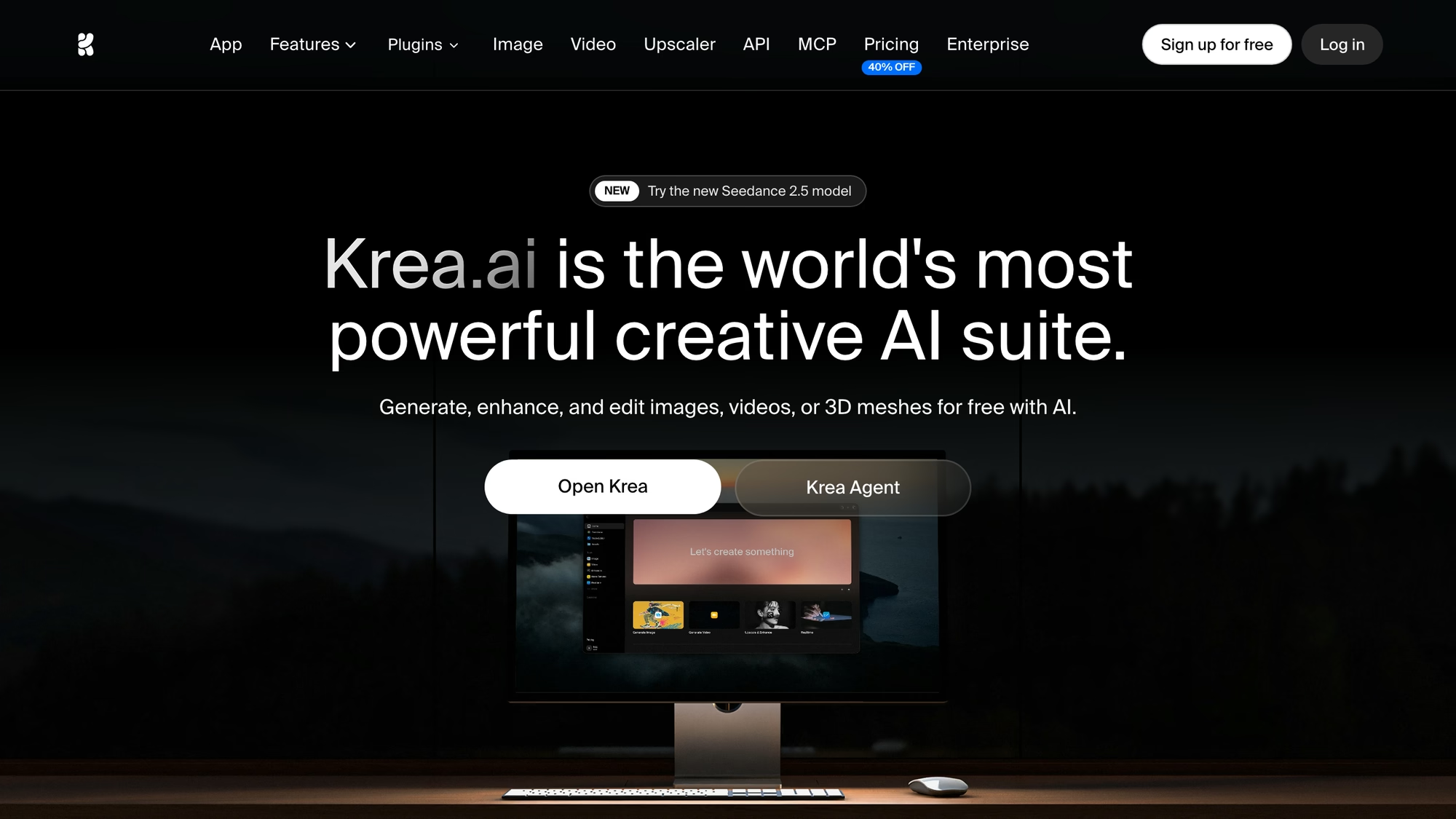
In the yearly Black Friday view Basic shows $5 a month struck through from $9, Pro $21 from $42 and Max $42 from $140. Pro holds 20,000 units, about 65 Seedance 2.5 videos, and Max holds 60,000, about 197, read 22 November 2026.
Pros
- Free gives 100 units a day with no credit card required
- Pro and Max list all video models, and Max adds unlimited LoRA training
- Unit counts translate into videos on the page, for example about 16 on Basic
Cons
- Free lists no access to all video models, and Basic lists only selected video models
- The Black Friday prices are temporary, and the page does not show the later price
- Units are shared with image, 3D and upscaling work, so video competes with everything else
Skip it if you want one model with a fixed price per clip, since the unit cost changes with the model.
invideo
invideo suits marketers who want image to video inside an editor with a timeline. Basic is $9 a month on its list price, shown at $4 per seat billed annually, with 190 credits, about 7 Seedance 2 Fast videos.
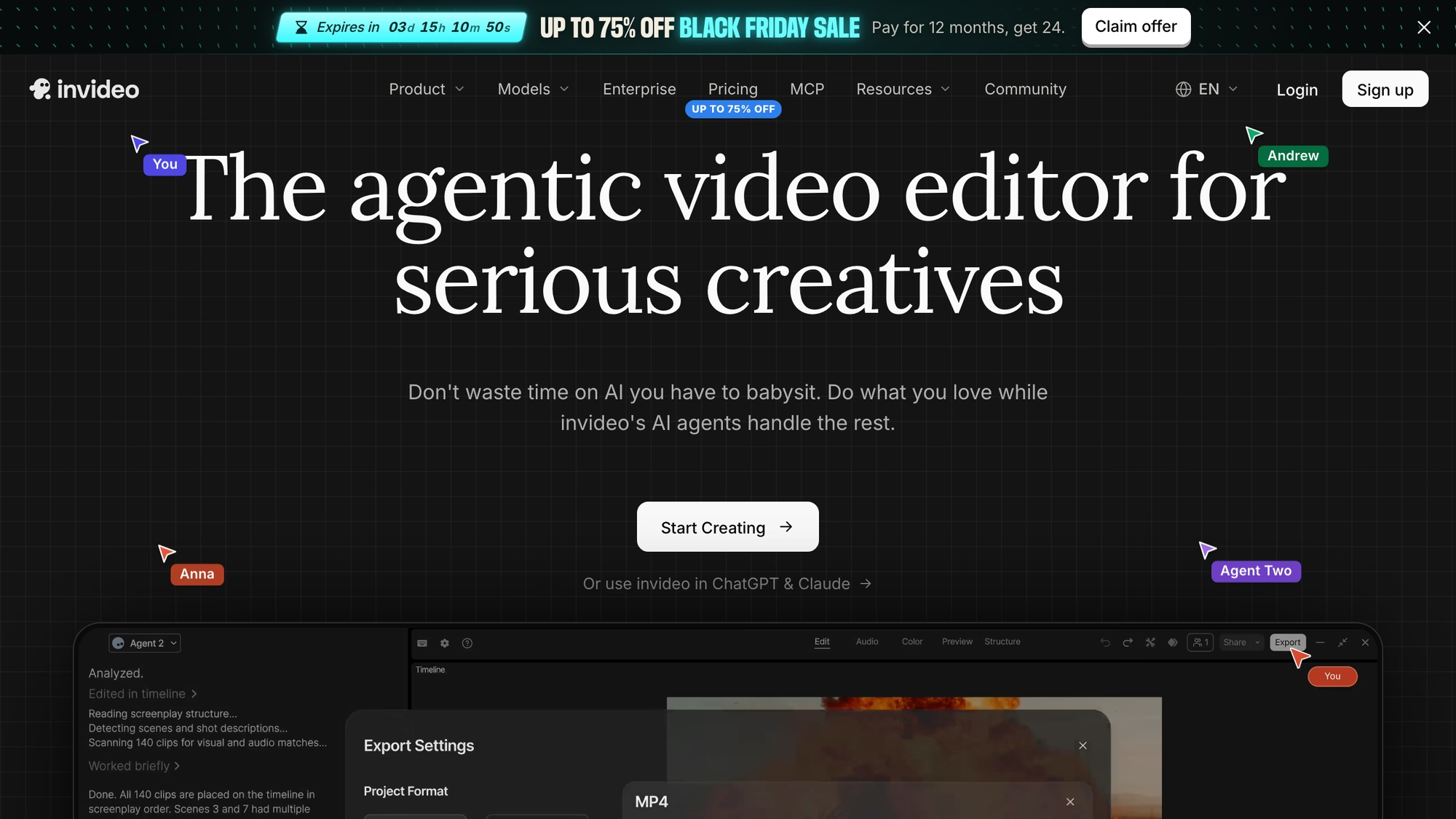
Pro is $30, shown at $15, with 1,000 credits and about 26 Seedance 2 videos. Ultra is $160, shown at $40 for two years, with 6,000 credits and about 157 videos. Seedance 2.5 is not included on Basic, read 22 November 2026.
Pros
- A timeline editor is included on every plan, so clips and edits live in one place
- Pro lists Seedance 2.5 at 1080p and 150 premium stock footage items
- Guest seats are included on Pro and Ultra, with 190 credits each
Cons
- Basic has no access to Seedance 2.5 or Seedance 2.0
- Basic is one seat and about 7 videos a month
- The deepest discount needs a 24-month payment on Ultra
Skip it if you only need single clips, since you pay for a full editor and agent as well.
Pika
Pika suits creators who want many models on a cheap plan with a commercial licence. Starter is $10 a month with 600 credits at about 60 credits per dollar, and Creator is $35 with 2,600 credits.

Fancy is $95 with 8,550 credits and unlimited Wan 3.0, a priority queue and early access to new models. Free lists all models and no watermark but no commercial licence. One Seedance 2.5 clip at 720p and 5 seconds costs 122 credits, read 22 November 2026.
Pros
- Starter carries a commercial licence at $10 a month
- Free exports without a watermark and lists all models
- The page prints a per-clip cost, 122 credits for a 5-second Seedance 2.5 clip
Cons
- Starter’s 600 credits cover only 4 such clips
- Free has no commercial licence, and a priority queue starts at Fancy
- A team plan needs a 2-seat minimum
Skip it if you need dozens of clips a month on a small plan, since a premium model burns Starter’s credits in a few generations.
Wan
Wan suits users who want a free tier with daily credits and a low yearly price. Free allows 1 video and 1 image at a time, 6 image styles and a daily check-in that earns free credits.
Pro is $10 a month billed yearly, shown at 50% off, with 300 credits a month, up to 1,200 images or 60 videos, 3 videos at a time, 1080p and clips of 10 to 30 seconds. Watermark-free downloads start on Pro, read 22 November 2026.
Pros
- Pro shows about 60 videos a month for $10 on yearly billing
- Pro lists 1080p and clips of 10 to 30 seconds
- Free adds credits by daily check-in
Cons
- Watermark-free download is listed as a Pro feature, so Free output carries one
- The $10 price needs yearly billing, and the monthly price was not shown
- Free allows one video at a time
Skip it if you need a commercial licence stated on the pricing page, since we did not find one listed.
VEED
VEED suits teams that edit video daily and want image to video as one tool in the same editor. Creator is $10 per user per month billed yearly, with 6,000 credits a year, 1080p exports without the VEED logo and 1 voice clone.
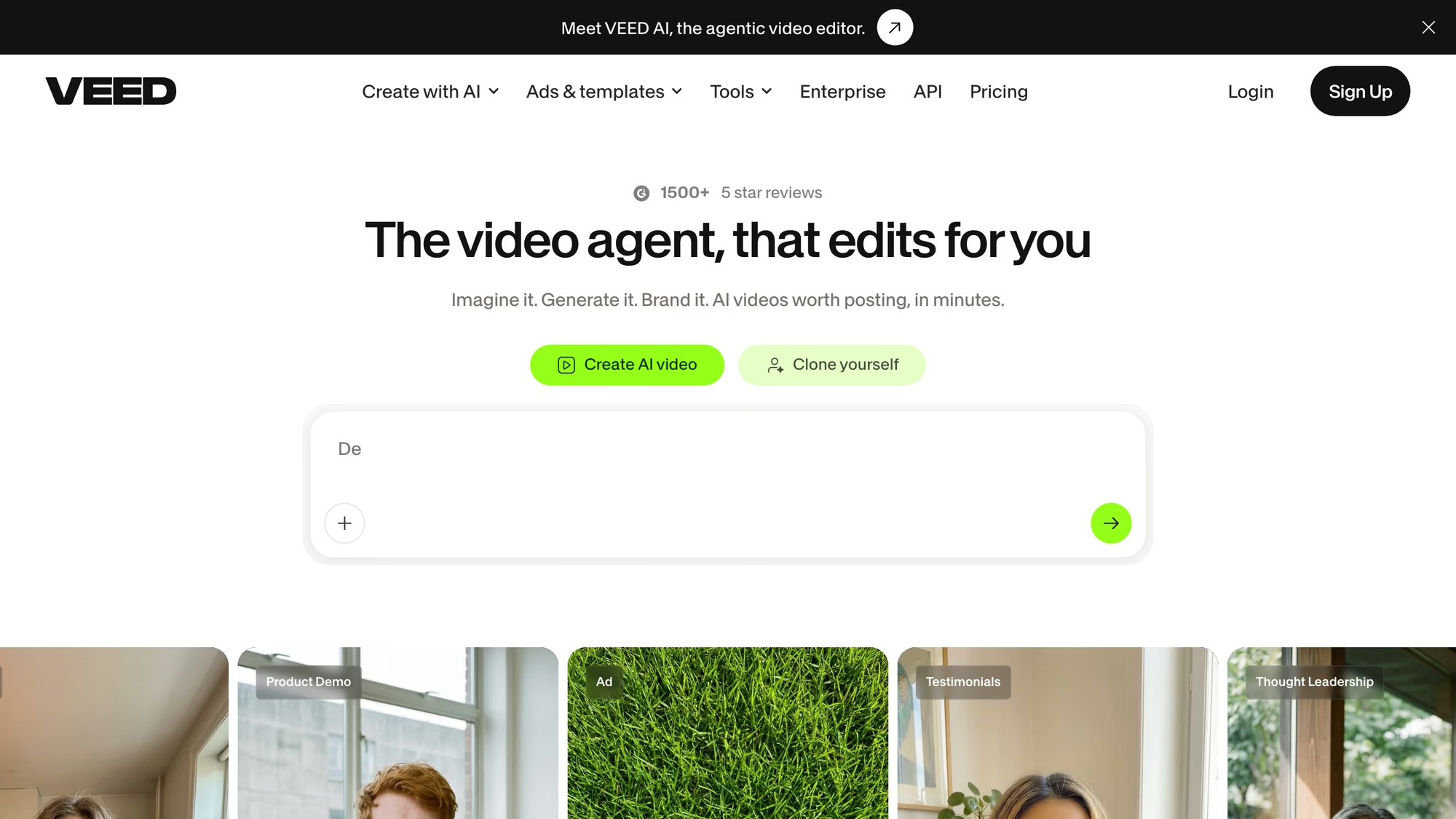
Pro is $21 per user per month billed yearly, with 18,000 credits a year, 4K exports and unlimited subtitles. Free edits videos up to 10 minutes and exports at 720p with a watermark, read 22 November 2026.
Pros
- Credits, subtitles, clips from long videos and brand kits sit in one editor
- Creator lists AI video assets up to 125 minutes and Pro up to 375
- The page offers a credit calculator showing talking videos per bundle
Cons
- Prices are per user and assume yearly billing
- Free exports at 720p with a watermark
- Credits are spent across editing agents, avatars and image to video
Skip it if you want generation only, since the strength here is editing and subtitles.
Runway
Runway suits filmmakers and agencies who want the most control and model choice. Free is $0 with 125 one-time credits, and Standard is $15 a month, or $12 billed annually, with 625 credits, which the page converts to 52 seconds of Gen-4.5.
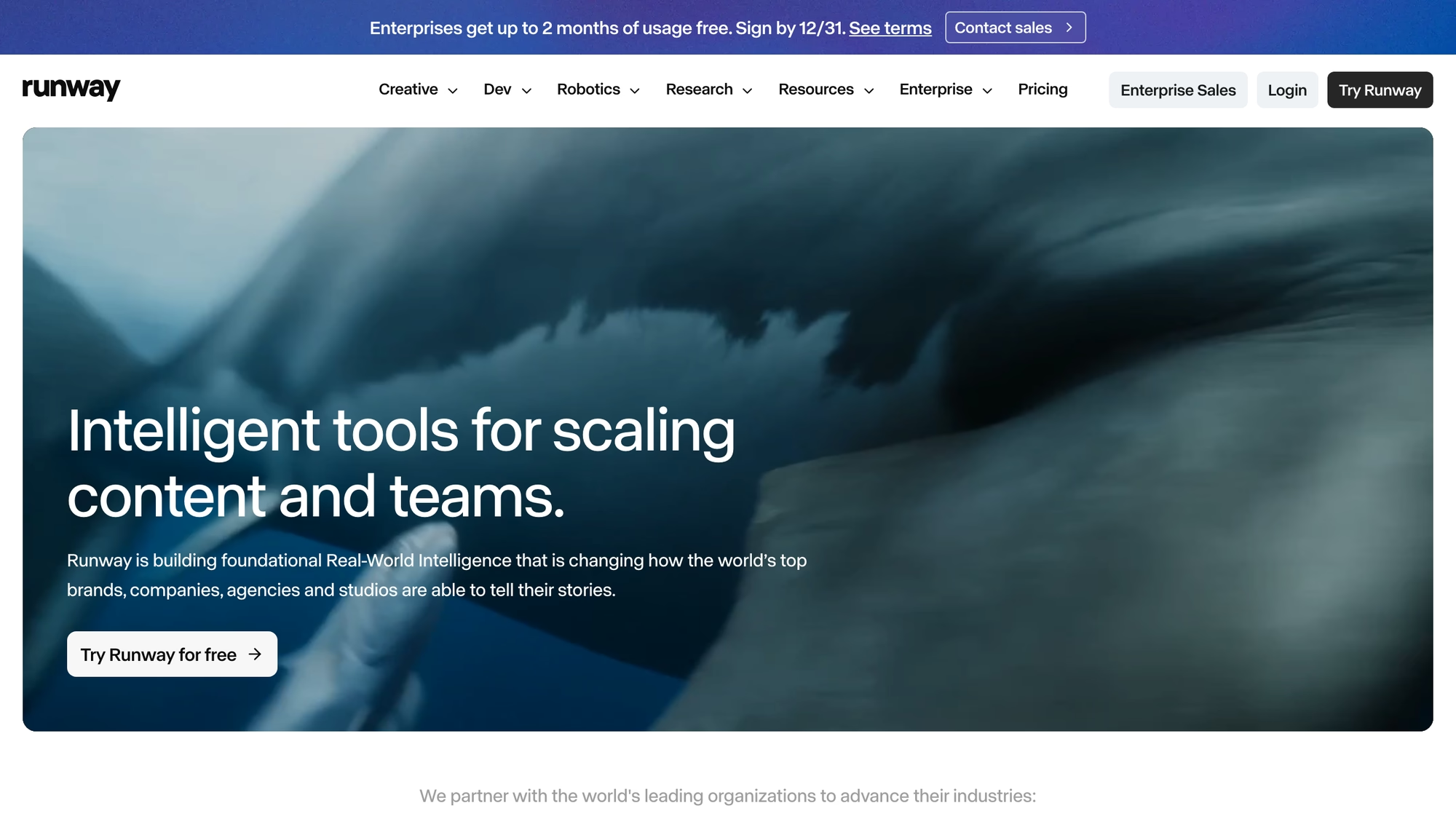
Pro is $35, or $28 annually, with 2,250 credits and 187 seconds, and Max is $95, or $76, with 9,500 credits, 791 seconds and rollover of one month. Gen-4.5 costs 60 credits for 5 seconds, read 22 November 2026. See also the video editing shelf.
Pros
- Standard lists no watermark and 4K upscaling
- Max rolls over unused credits for one month
- The page prints the credit cost per model and clip length
Cons
- Free is 125 one-time credits, not a monthly allowance
- Standard and Pro credits do not roll over
- Standard covers 52 seconds of Gen-4.5 a month
Skip it if you only need a few short social clips, since the control costs more per second than simpler tools.
Higgsfield
Higgsfield suits short-form creators who want Seedance models and presets on a monthly plan. Starter shows $15 a month with 200 credits and about 11 Seedance 2.0 Fast videos, and Plus shows $49 struck through with $27 beside it for 1,000 credits.
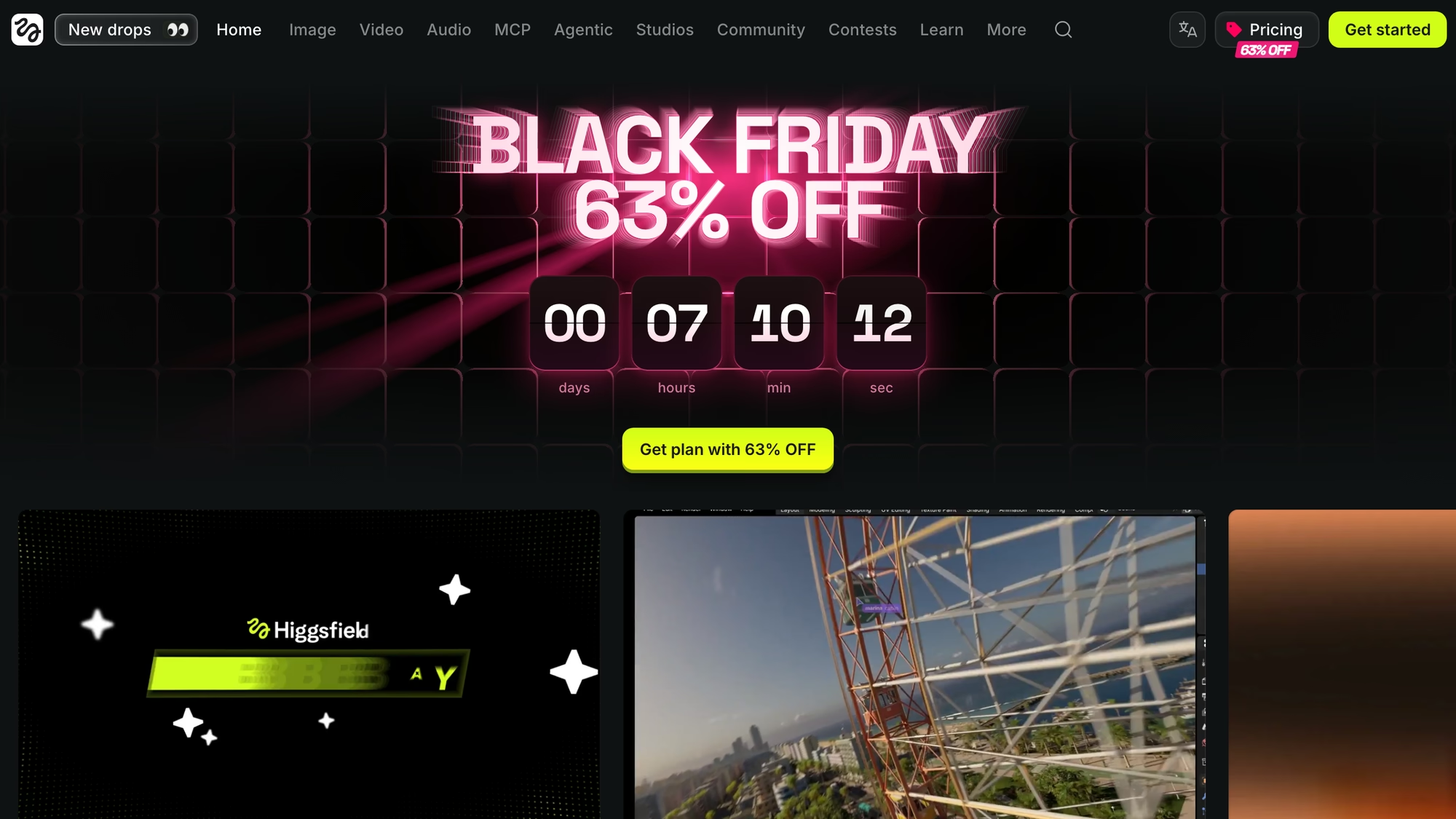
Plus lists about 67 Seedance 2.5 videos, and Ultra shows $129 struck through with $50 beside it for 3,000 credits, billed yearly. The page notes that unlimited and free generations work only on its own site, read 22 November 2026.
Pros
- Plus lists about 67 Seedance 2.5 videos a month
- Parallel generations rise from 2 videos on Starter to unlimited on Plus
- The page includes a credit calculator at about 14 credits per video
Cons
- Starter is limited to selected models and Seedance 2.0 Fast and Mini
- Black Friday prices are shown in place of the list price
- Free and unlimited generations work only on higgsfield.ai, not through MCP, CLI or Canvas
Skip it if you need one fixed price, since promotions covered the plan cards on the day.
Freepik
Freepik suits designers who already use its stock library and want video credits in the same plan, which puts it close to the design shelf. Prices are in euros, so Premium is €15 a month, or €10.50 billed annually, with 240,000 credits a year and a commercial AI licence.
Plus is €34 monthly or €25.50 annually with 600,000 credits and relax mode on 30+ models. Pro is €83 or €62.25 with 1,500,000 credits. In relax mode Kling 2.5 at 720p costs 140 credits for 5 seconds, so Premium yields 1,714 clips a year, read 22 November 2026.
Pros
- Credits last one year and do not reset monthly
- Every plan lists a commercial AI licence
- Plus and Pro add relax mode, which saves credits on 30+ models
Cons
- Prices exclude VAT and local taxes, and the page showed euros for our browser
- Relax mode starts at Plus, so Premium credits are spent at the full rate
- Our capture of the home page was refused, so no screenshot is shown
Skip it if you want a single video model, since the plan is a broad creative suite with stock attached.
Luma
Luma suits teams that want a studio-style tool with its own Ray models and third-party ones in one credit pool. Plus is $30 a month with 10,000 credits and commercial use, Pro is $90 with 40,000 credits, and Ultra is $300 with 150,000.

Ray3.2 image to video costs 100 credits for 5 seconds at 720p and 400 credits at 1080p, so Plus covers about 100 clips at 720p or 25 at 1080p. Veo 3.1 with audio is 140 credits a second, read 22 November 2026.
Pros
- The page prints a credit cost for every model, resolution and clip length
- Plus lists commercial use and third-party models
- Credits stretch furthest at lower resolutions, 20 credits for 5 seconds at 360p
Cons
- The page lists no free plan
- 1080p costs four times as much as 720p
- Team and Enterprise are by contact only
Skip it if you want to test for free first, since no free tier is listed.
Kling
Kling suits developers and studios who want Kling 4.0 through an API and are happy to prepay. Standard Package 1 is $500 for 3,250 units, at a discounted $0.15386 per unit, with 20 concurrent requests.
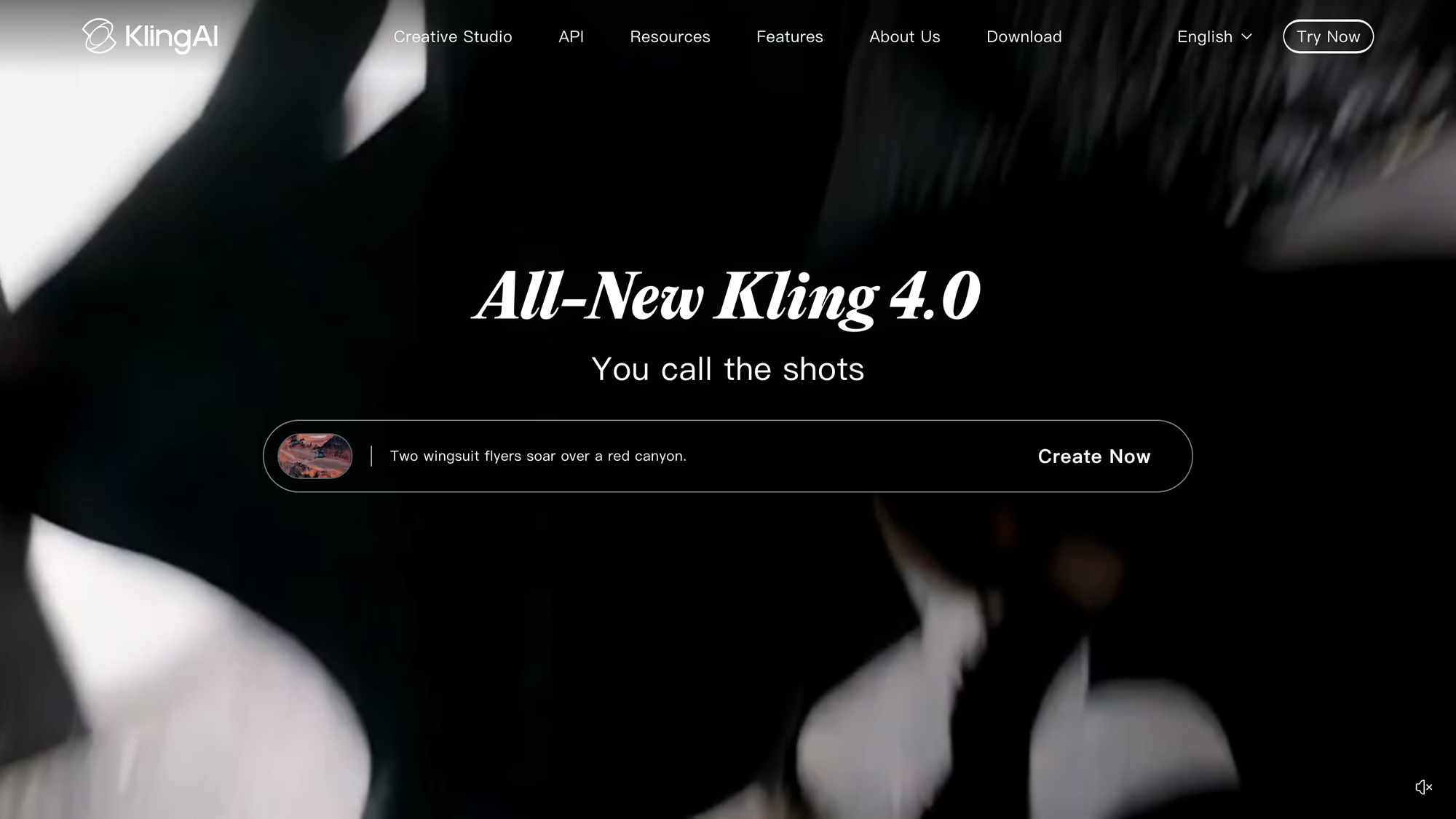
Kling 4.0 with no input video costs 1.0 unit a second at 720p, 1.5 at 1080p and 3.5 at 4K. Package 2 is $2,000 for 13,135 units and Package 3 is $8,000 for 53,640, and every pack is valid for 180 days, read 22 November 2026.
Pros
- The meter is plain: units per second, by resolution
- Larger packs lower the unit price from $0.15386 to $0.14915
- Kling 4.0 supports HDR output at 1080p and 4K
Cons
- Packs start at $500 and expire after 180 days with no rollover
- The consumer membership prices did not load for our browser, so only the API is priced here
- HDR adds a per-second fee
Skip it if you are one creator who wants a monthly subscription, since the page we could read sells API packs.
What a second of video costs on the first paid plan
The plans use different units. The table converts each entry plan into the seconds the page itself prints, then divides the plan price by those seconds. Promotions and free credits are ignored.
| Entry plan | Price | What the page prints | Seconds | Per second |
|---|---|---|---|---|
| Runway Standard | $15 | 625 credits, Gen-4.5 | 52 | About $0.29 |
| Pika Starter | $10 | 600 credits, 122 per Seedance 2.5 clip | 20 | About $0.50 |
| Luma Plus, 720p | $30 | 10,000 credits, 100 per 5 s | 500 | About $0.06 |
| Luma Plus, 1080p | $30 | 10,000 credits, 400 per 5 s | 125 | About $0.24 |
| Kling API, 720p | $500 pack | 3,250 units, 1.0 per second | 3,250 | About $0.15 |
The spread is large because models are priced differently inside one plan. Luma’s cheapest figure is a 720p Ray clip. Pika’s is a premium Seedance clip. The table shows what a model costs, and says nothing on which tool is better.
Runway Pro at $35 prints 187 seconds, or about $0.19 a second, and Max at $95 prints 791 seconds, or about $0.12. Read 22 November 2026.
Resolution, clip length and audio: where the price jumps
Resolution is the lever that moves cost most. Luma prices a 5-second Ray3.2 clip at 100 credits at 720p and 400 at 1080p, and Kling’s API charges 1.0 unit a second at 720p, 1.5 at 1080p and 3.5 at 4K. A tool that looks cheap at 720p is not cheap if the client wants 1080p.
Audio and length are the next two. The table lists only what each page prints, read 22 November 2026.
| Product | Resolution printed | Clip length printed | Audio |
|---|---|---|---|
| Runway | 4K upscaling on paid plans | 60 credits for 5 s on Gen-4.5 | Music, voice and effects generation listed |
| Luma | 360p to 1080p on Ray3.2 | 5 and 10 s | Yes on Veo 3.1 and Kling 4.0 |
| Pika | 720p quoted for Seedance 2.5 | 5 s quoted | An AI Audio tab is in the menu |
| Kling API | 720p, 1080p, 4K | Billed per second | Yes, priced with the model |
| Wan | 1080p on Pro | 10 to 30 s on Pro | Not stated |
| invideo | 1080p on Seedance 2.5, 4K on Seedance 2.0 | Not stated | Not stated |
Where a cell says not stated, the page we read did not print it, which is not the same as the tool lacking it.
Free AI image to video tools 2026: plans, watermarks and commercial use
The best free AI image to video tools 2026 test the motion, not a campaign. Runway gives 125 one-time credits, Krea 100 units a day and Wan a daily check-in credit, while Pika’s Free exports without a watermark but carries no commercial licence. VEED’s Free exports at 720p with a watermark, and Luma lists no free plan.
For client work, read the licence line before the credit count. Pika Starter, Luma Plus and Freepik Premium list commercial use. Wan’s page did not state one, so confirm it before you publish paid work. The US Copyright Office keeps a page on copyright and artificial intelligence, which is the place to check what protection a generated clip may have.
For ad work that needs a voiceover, see AI voice cloning tools, and for finishing clips see the video editing shelf.
Trials, refunds and switching
Test two tools with the same still before you pay. Upload one sharp image with one subject, write one prompt, and compare motion, faces and hands across a 5-second clip. A rejected generation usually still spends credits, so a cheap plan with a high reject rate can cost more than a dearer one.
Credits do not travel between tools.
Runway Standard and Pro reset monthly and do not roll over, Max rolls over one month, Freepik credits last a year and Kling packs expire in 180 days. If you switch, keep your source stills and prompts, since those are what you can move. Clips built for ads also belong in your marketing tools and social media workflow.
Compare
| Product | Free plan | First paid price | Built for |
|---|---|---|---|
| Krea | Yes, 100 units a day | $5 a month, struck from $9 | People who want many models in one app |
| invideo | Not read | $9 a month list, $4 shown | Marketers who want a timeline editor |
| Pika | Yes, no commercial licence | $10 a month | Creators who want a cheap commercial plan |
| Wan | Yes, daily credits | $10 a month, yearly billing | Users who want a free tier and a low yearly price |
| VEED | Yes, 720p with watermark | $10 a month, yearly billing | Teams that edit video every day |
| Runway | Yes, 125 one-time credits | $15 a month | Filmmakers and agencies |
| Higgsfield | Not read | $15 a month | Short-form creators |
| Freepik | Not read | €15 a month | Designers who use its stock library |
| Luma | No | $30 a month | Teams that want Ray and third-party models |
| Kling | API packs only | $500 pack | Developers and studios |
FAQ
What is the best AI image to video tool?
The one whose credit meter fits how many clips you need. For the lowest shown first-paid price, Krea is $5 a month in a Black Friday view, Pika Starter is $10 and Runway Standard is $15. For a printed per-model cost at every resolution, Luma is the clearest. All prices were read on 22 November 2026.
What are the best free AI image to video tools?
Free plans exist at Runway, Krea, Pika, Wan and VEED. Krea gives 100 units a day, Runway gives 125 one-time credits, Pika’s Free plan exports without a watermark but has no commercial licence, and Wan adds credits by daily check-in. Luma’s page lists no free plan.
How much do AI image to video tools cost?
On the prices read, a first paid plan runs from $5 to $35 a month, or €15 on Freepik, and Luma starts at $30. Kling’s API starts at a $500 prepaid pack. Cost per second varies more than plan price: about $0.06 to $0.50 on the table above, depending on model and resolution.
How many seconds of video does a credit buy when you generate video from an image?
It depends on the model and resolution, so read the credit cost per clip. Runway’s Gen-4.5 is 12 credits a second, Luma’s Ray3.2 is 20 credits a second at 720p, and Pika’s Seedance 2.5 clip is 122 credits for 5 seconds at 720p. Divide your plan’s credits by that figure.
Do AI image to video tools add a watermark?
Some free plans do. VEED’s Free plan exports at 720p with a watermark and Wan removes watermarks on Pro. Pika’s Free exports without one but carries no commercial licence, and Runway Standard lists no watermarks. Check an actual export from the plan you plan to buy.
Can I use the videos commercially?
Only on a plan that lists a licence, and only for images you have the rights to. Pika Starter, Luma Plus and Freepik Premium list commercial use. Pika’s Free plan does not, and Wan’s pricing page did not state one. The licence line is separate from copyright protection of the output.
Can I animate a photo of a person?
The tools accept photos, but your rights depend on whose face it is and how the clip will be used. Get written consent from anyone recognisable before publishing an ad. Likeness and consent rules differ by country and by platform, so a technical ability to animate a face is not permission.
Which AI tools can generate video from an image in 2026?
All ten here can: Krea, invideo, Pika, Wan, VEED, Runway, Higgsfield, Freepik, Luma and Kling take an uploaded still and return a clip. They differ in the models behind them, the credits per clip and the licence on the plan. Check the credit cost for your resolution before you subscribe.
What is the difference between AI tools that animate an image into video and text to video?
Image to video starts from your own still and keeps its subject and composition, so it is easier to control. Text to video invents the scene from a prompt. Most tools here offer both, and several accept a start frame and an end frame so the clip travels between two stills you chose.
How long can an AI image to video clip be?
Most clips run 5 to 10 seconds. Luma’s table prices 5 and 10 seconds for Ray models, and Wan lists clips of 10 to 30 seconds on Pro. A longer video is usually several clips joined in an editor, which is why VEED and invideo put editing next to generation.
Do credits roll over?
Rarely. Runway Standard and Pro reset monthly and Max rolls over one month, according to the page read. Freepik credits last one year, and Kling packs expire after 180 days with no rollover. The other pages read did not print a rollover rule in the text we captured.
Read next

Top 10 AI search visibility tools in 2026, compared by prompts and price
Best AI search visibility tools 2026: ten tools with prices read on 22 November 2026, cost per prompt, engines covered, free trials and who should skip each.
Top 10 AI voice cloning tools in 2026, compared by plan and price
Best AI voice cloning tools 2026: ten tools with prices read on 16 November 2026, the plan that unlocks cloning, free tiers and who should skip each.

Top 10 accounting software for analytics in 2026, compared by plan
Best accounting software for analytics in 2026: ten tools with prices read on 16 November 2026, the plan where dashboards and forecasts start, and who should skip each.